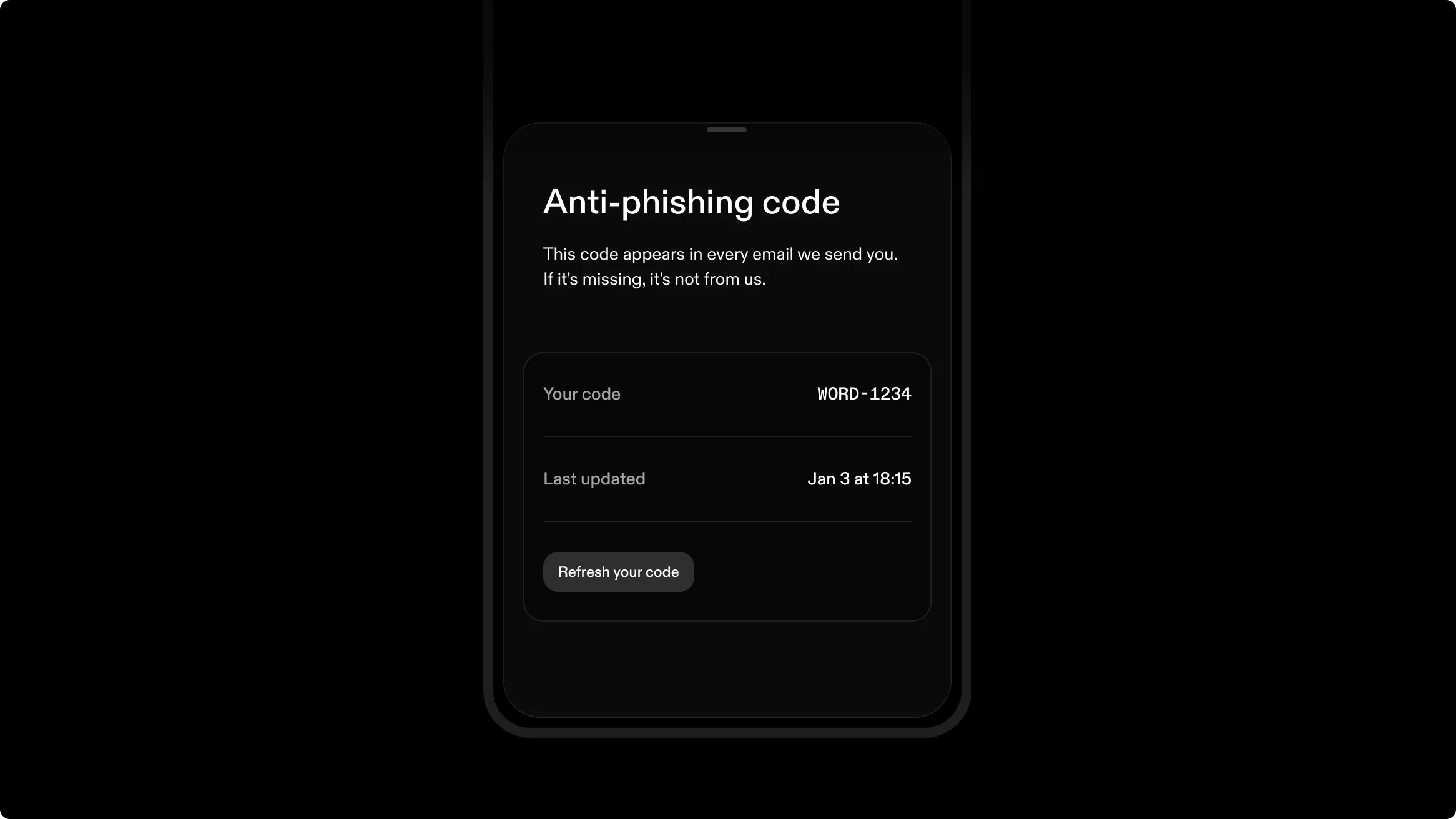
A word followed by 4 numbers, unique to your account, now appears in the header of every email Strike sends. Compare it with the code in your Security Settings in the app or on the web app, and an email without it, or with a different one, is not from Strike.
Your code is assigned automatically. You can refresh it once every 24 hours, or Strike can do it for you. You can verify it anytime in your Security Settings in the web app or mobile app. If you can’t see it in your app, update to the latest version. If someone claiming to represent Strike reaches out via a different channel, ask them to provide your code. A real Strike representative will always answer correctly and will never ask for your email confirmation code, recovery phrase, or anti-phishing code.